 YouTube's text-to-speech technology uses artificial intelligence and speech synthesis to convert written text into natural-sounding speech. It automates narration by mimicking human speech, making it a valuable asset for YouTube creators who want to save time, enhance content accessibility, or produce content in different languages or accents.
TTS ensures consistent tone and style throughout a video, which is crucial for maintaining audience engagement. However, it's important to note that YouTube itself doesn't provide built-in TTS functionality; users need to rely on third-party tools to achieve this.
Five Core Advantages of YouTube Text-to-Speech
Enhanced Accessibility
TTS can describe important visual elements in YouTube videos, such as graphics, charts, or on-screen actions, helping visually impaired users and individuals with reading disabilities better understand the video context. This allows them to better comprehend and engage with information that might otherwise be difficult to access.
Additionally, TTS benefits users who prefer listening over reading—whether they're multitasking or learn more effectively through auditory input.
Reach More People, Wider Coverage
TTS helps YouTubers break language barriers by offering multilingual dubbing options. Creators can produce video versions in different languages (such as French, Spanish, Chinese, etc.) without hiring native speakers or going through tedious manual recording processes. This greatly expands creators' global influence and makes it easier to connect with international audiences.
Save Time and Effort
For YouTubers, the process of recording, editing, and re-recording narration can take hours—time that could be spent on other creative tasks. Using TTS in YouTube video production eliminates this hassle, allowing creators to meet demanding content publishing schedules and produce professional-quality videos more efficiently.
With text-to-speech applications, creators simply input their script, select an AI voice, and the tool generates high-quality audio in minutes, enabling faster video releases and more consistent channel updates.
Personalize Your Videos
TTS tools allow creators to fine-tune various aspects of AI voices to match their video's tone and style. Creators can choose from multiple voices, accents, and languages to suit the specific mood they want to convey, whether formal, casual, humorous, or dramatic.
They can also adjust pitch, speed, emphasis, and pronunciation to customize narration and create a unique brand identity.
Engage More Viewers, Generate More Leads
By using text-to-speech, YouTubers can create interactive content like quizzes or tutorials where viewers can listen to instructions while interacting with corresponding visuals. This promotes active participation and significantly enhances engagement, as viewers are more likely to absorb information and stay interested.
Furthermore, increased engagement often translates to more leads, subscribers, or conversions for YouTubers. When viewers enjoy content and find it easy to follow, they're more likely to watch more videos, share content, or even subscribe to the channel, ultimately contributing to channel growth and success.
How to Add Text-to-Speech Audio Files to YouTube Videos
Whether creating tutorials, educational content, or entertainment videos, text-to-speech can be a powerful tool in your content creation arsenal. Here are the steps to add TTS to YouTube videos:
Step 1: Choose Your TTS Software
The first step in integrating TTS into YouTube content is selecting the right text-to-speech software. There are various options available, and it's important to choose one that meets your specific needs.
A good AI voice generator should have an easy-to-use interface, a rich selection of voices, support for multiple languages and accents, voice customization features, and the ability to import/export files and media. Some popular TTS software includes ViiTor AI, Google TTS, Amazon Polly, Speechify, and NaturalReader.
Step 2: Add Your Script
After choosing a text-to-speech converter, the next step is to prepare and input your script. The script should contain short sentences, easy-to-understand phrases, and use punctuation for natural pauses.
Ensure the script is clear and engaging. You can type or copy-paste the script into the editor. Before proceeding to the next step, check the script for any errors or final modifications needed.
Step 3: Create Studio-Quality Narration
Once the script is input, it's time to generate your narration. Many text-to-audio platforms offer various AI voices with different accents and gender characteristics.
Some software also allows users to customize parameters like speed, pitch, emphasis, etc., to create a more dynamic audio experience. Select the voice that best suits your content. Before finalizing, listen to the audio preview to ensure it sounds natural and engaging.
Step 4: Upload the Audio File to YouTube
After being satisfied with the narration, export the audio file in a compatible format (such as MP3 or WAV). Open your chosen video editor and synchronize the video with the audio file generated by the TTS software. Carefully align the narration with the corresponding visuals.
When the final product meets expectations, export the video in a YouTube-compatible format and upload it to your channel.
Popular Text-to-Speech Tools Used by YouTubers
While we can't explore the exact tools every YouTuber relies on, here are some of the most popular text-to-speech programs helping YouTubers enhance content quality:
ViiTor AI
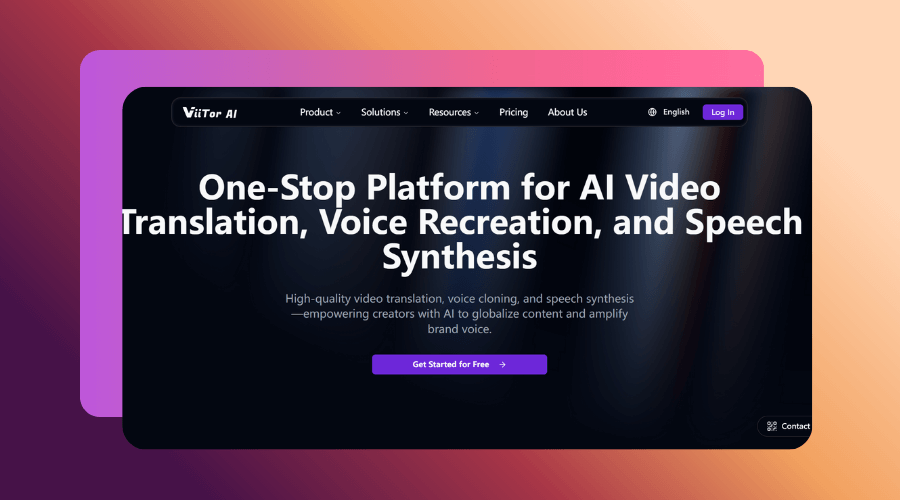
With its rich voice selection, seamless user interface, and advanced customization features, ViiTor AI is quickly becoming a favorite among YouTube creators. Using ViiTor AI, YouTubers can generate professional-grade text-to-speech videos without needing a studio, expensive equipment, or hiring voice actors, simplifying the entire content creation process. ViiTor AI supports 19 languages, enabling YouTubers to reach global audiences by creating multilingual narrations.
Key Features:
- Realistic AI voices in multiple languages
- Voice customization with just 3 seconds of audio for a custom voice
- Diverse voice styles with thousands of available voices, adjustable speed, and emotion
Google Text-to-Speech
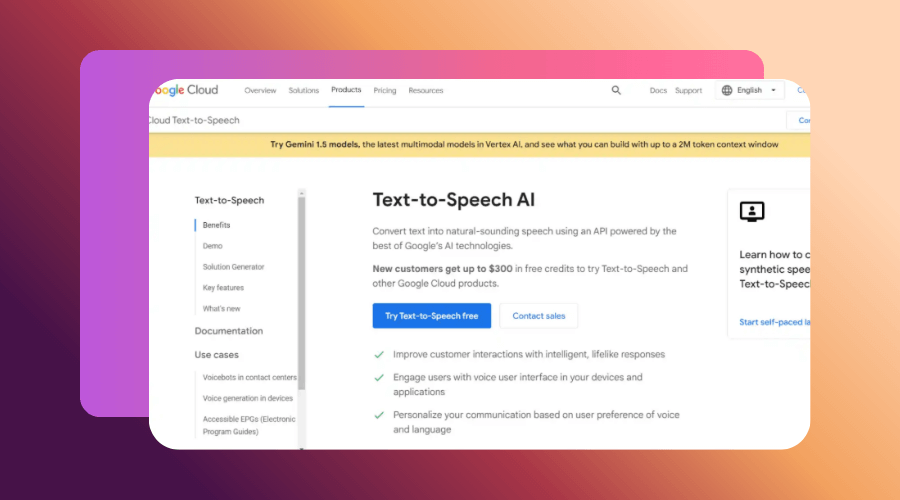
Designed with simplicity and accessibility in mind, Google TTS allows YouTube creators to generate narrations quickly and efficiently, reducing the time spent on manual recording and post-production.
Key Features:
- Customizable voice attributes
- Easy integration with other Google applications
- Diverse voice selection
PlayHT
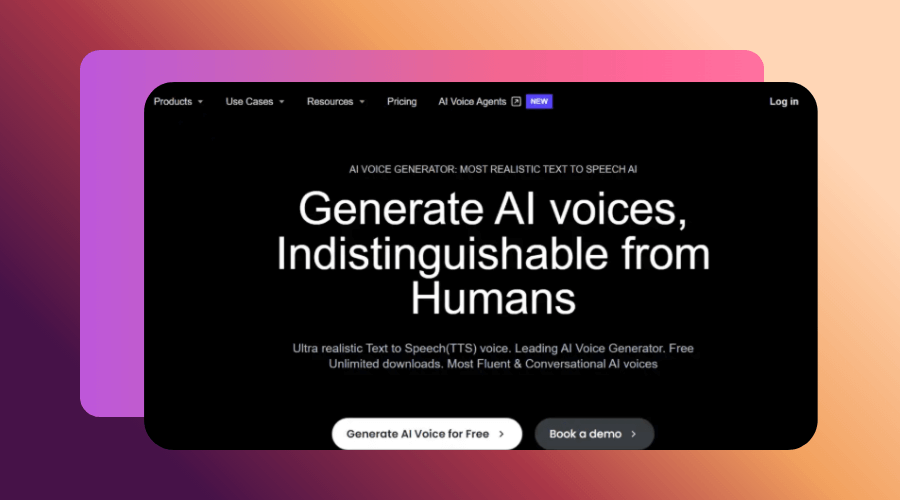
PlayHT is a powerful text-to-speech generator ideal for YouTubers who want to simplify the narration process while maintaining a high level of customization and professionalism in their content.
Key Features:
- SSML and custom pronunciation support
- Multi-speaker support
- Advanced voice modulation and tuning
NaturalReader
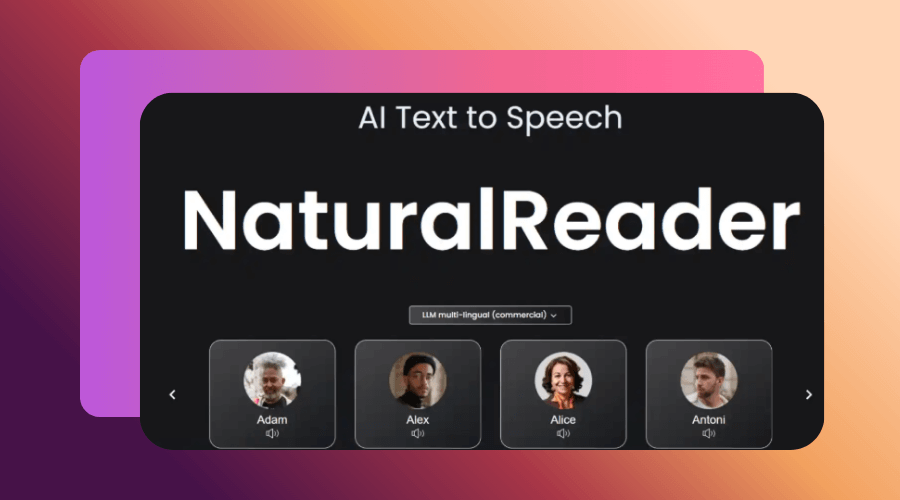
NaturalReader is a versatile and intuitive voice technology that allows YouTubers to create authentic, engaging narrations that resonate with audiences. It's an ideal choice for creators who prioritize voice quality and audience engagement.
Key Features:
- Offline mode
- High-quality MP3 export
- Multiple voice styles
- OCR support
Speechify
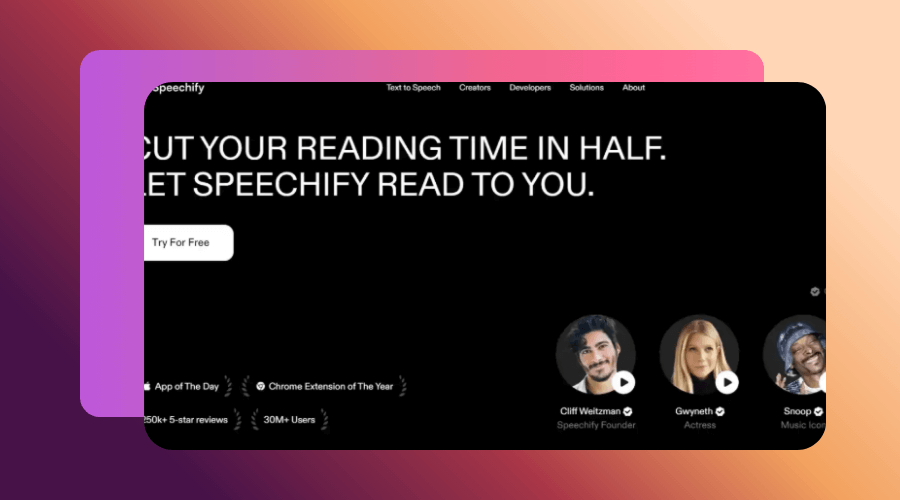
Speechify generates fast, smooth, and naturally appealing narrations, making it perfect for creators who want to produce video content quickly without sacrificing narration quality or fluency.
Key Features:
- Available in multiple forms: web app, mobile app, Chrome extension, and Edge plugin
- OCR support
Why Choose ViiTor AI for Effective YouTube Videos?
As a YouTuber, using ViiTor AI text-to-speech software means you're not just generating audio—you're crafting an immersive experience that resonates with your audience and elevates your content to new heights.
Here are some key features that make this tool an outstanding choice for YouTubers:
Realistic AI Voices
ViiTor AI has a library of thousands of extremely realistic, lifelike text-to-speech voices that capture the nuances, emotions, and tonal variations of human speech, allowing YouTubers to produce studio-quality narrations that resonate with audiences.
Whether it's the excitement in a tutorial, the empathy in a storytelling video, or the urgency in a news segment, ViiTor AI's voices can convey the style and tone needed to captivate viewers.
Extensive Language and Accent Selection
ViiTor AI supports 19 languages, enabling creators to tap into international markets, create YouTube videos that resonate with non-English-speaking audiences, and foster a more inclusive online environment. ViiTor AI's diverse voice selection ensures they can capture the attention of different demographic groups, thereby increasing audience retention and interaction.
Multilingual content also increases their chances of becoming influencers in different markets, opening doors to collaborations, sponsorships, and partnerships that might not be available in a single-language context.
AI Dubbing
ViiTor AI's AI dubbing feature allows YouTubers to quickly generate dubbed versions of their videos, enabling them to publish multilingual content in a fraction of the time required for traditional dubbing recording and editing. This efficiency is particularly valuable for creators with tight schedules or those who want to keep up with trends.
Five Simple Steps to Convert Text to Speech
Open ViiTor AI, select AI Script Voiceover, and click Create Project.
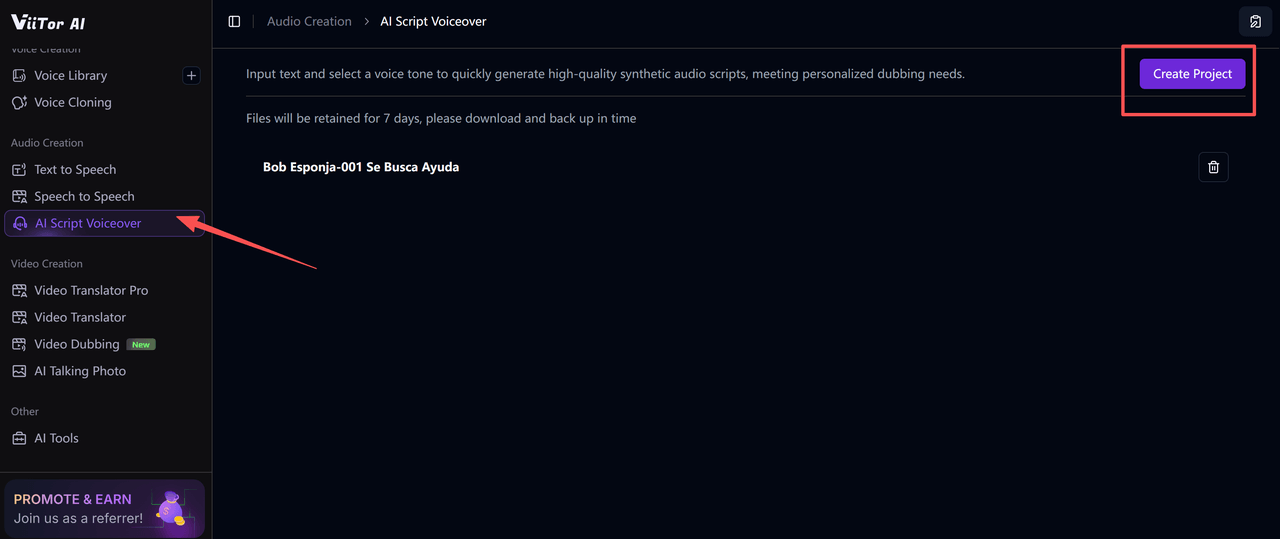
Import the audio file (it must be under 60 minutes long!).
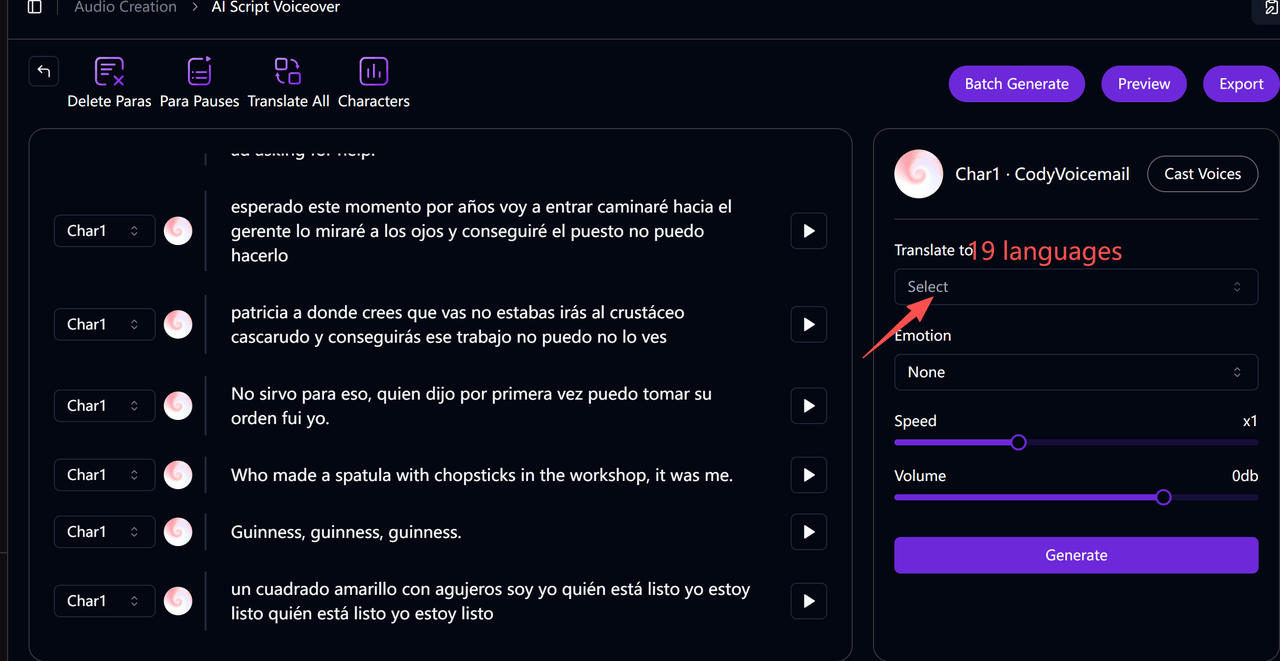
There are 19 languages to choose from, and you can click on Batch Synthesis to improve efficiency!
Summary
Incorporating text-to-speech technology into YouTube video production not only simplifies the content creation process but also enhances the overall viewing experience, helping creators maintain consistency, increase engagement, and expand their influence. As AI voice solutions become more advanced, YouTubers now have the flexibility to produce high-quality narrations that match their unique style and audience needs.
From realistic voice expressions to ultra-low-latency voice delivery, ViiTor AI enables creators to produce engaging, professional-quality content without the hassle of traditional recording.
If you're ready to enhance your YouTube content with naturally pronounced narrations and a more efficient production process, explore what ViiTor AI has to offer. Start creating smarter, faster, and more engaging videos today.