


Google Translate Video vs. Top Alternatives: Features, Step-by-Step Guides, and FAQ
1. The Benefits of Using Google Translate for Video Translation
Here are some of the biggest advantages of using Google Translate for video translation:
- Google Translate Saves Money
Most tools require payment for premium features, but not Google Translate. It is completely free. You can use it to translate an hour-long video without spending a single penny. This can help you save on the cost of hiring professional translators.
- Google Translate Supports Almost All Languages
That's right. Google Translate currently supports 133 languages globally. This means that with the help of Google Translate, you can reach a much broader spectrum of global languages than with any other platform. You can easily translate your tutorials, how-to guides, podcasts, social media posts, scripts, and more to make your product accessible to as many people as possible.
- Google Translate Works Instantly
Google Translate provides immediate translations. You don't have to wait for AI to first understand the language before providing an accurate translation. Therefore, translating videos with Google Translate can be a lifesaver for content creators who are always on the go and need instant translations for their content.
- Google Translate Requires No Installation or Registration
While most translation tools require registration or software installation, Google Translate is straightforward to use. Simply copy your content and paste it into the translation window. Google Translate will instantly detect the language and provide the translation for you. It's that simple.
- Google Translate Can Also Be Used Offline
One of the greatest advantages of Google Translate is its uninterrupted service. You can download the Google Translate app on your phone and translate content offline. This is particularly beneficial for content creators who don't always have a stable internet connection.
2. Step-by-Step Guide: How to Translate Videos Using Google Translate
If you're a beginner, the following steps might seem a bit tedious, but I assure you, they are very straightforward. Let's use Google Translate together:
Step 1: Download the Video from ViiTor AI
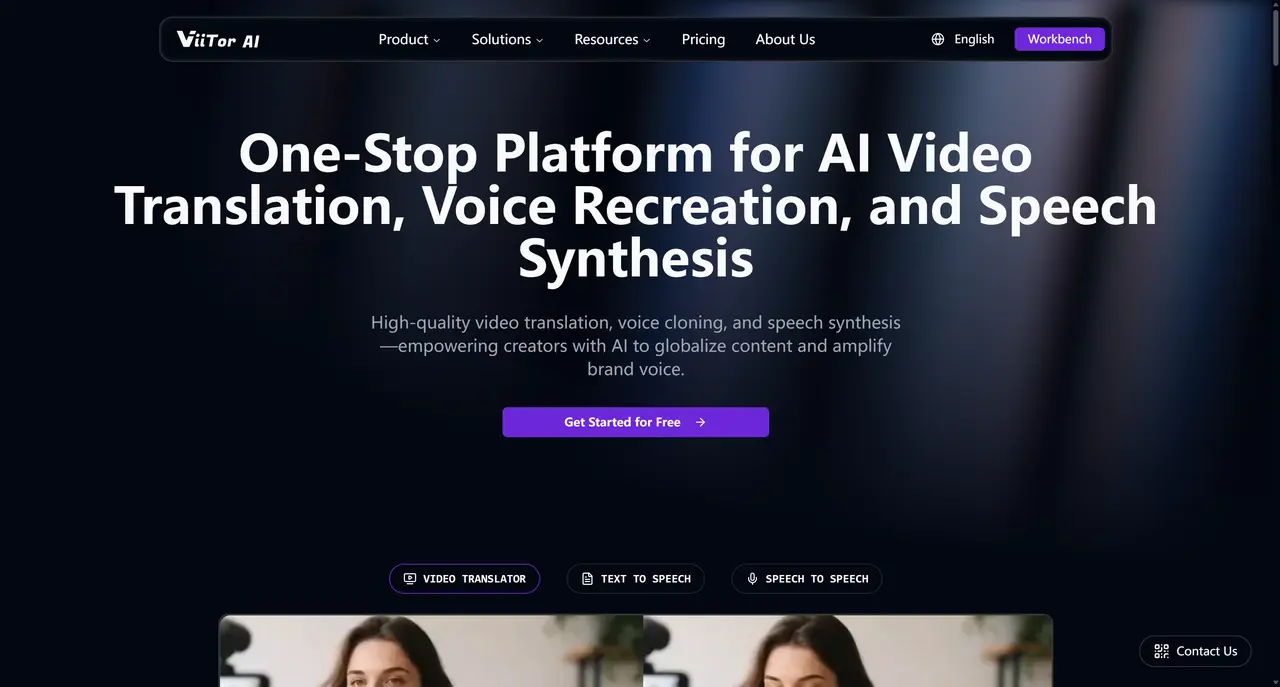
ViiTor is a fantastic video translator that you can use to translate videos into 19 languages. Select "Cross-Platform Video Download."
Then, click on the video translation tool. Upload your video.
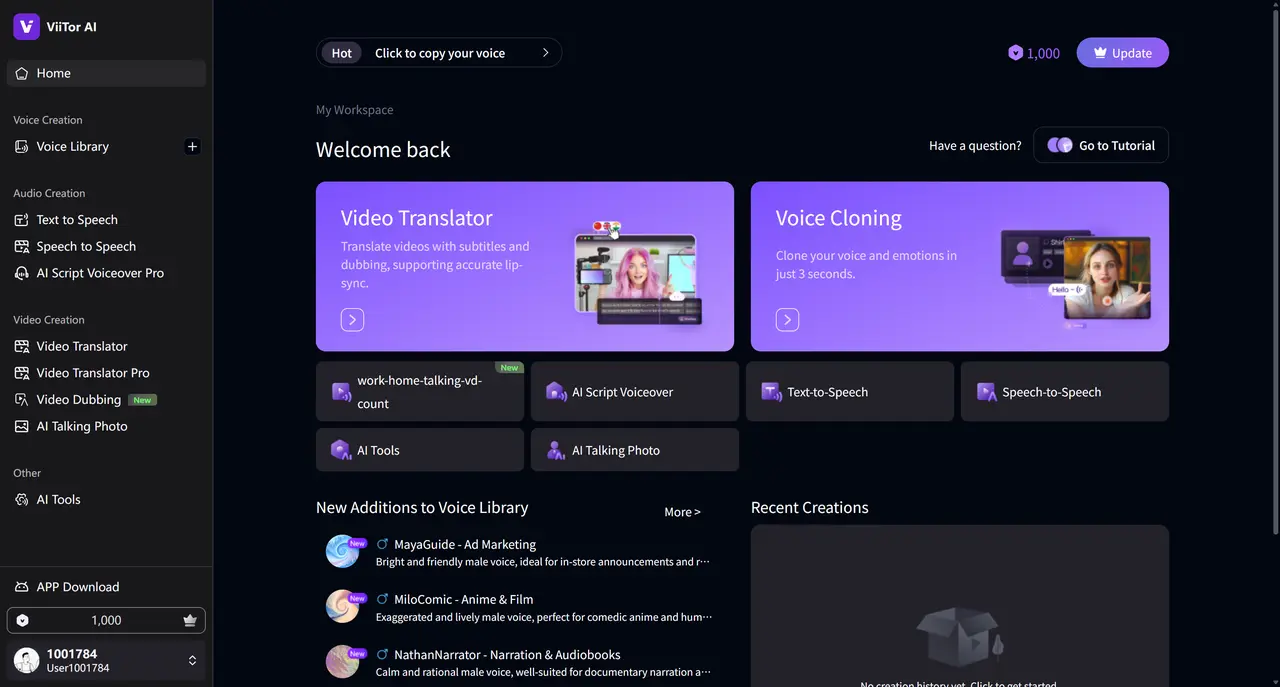
Step 2: Select the Source and Target Languages to Translate Your Video
Once the video upload is complete, you will see options to select the source and target languages. Choose the language of your video as the source language and the language you want to translate it into as the target language.
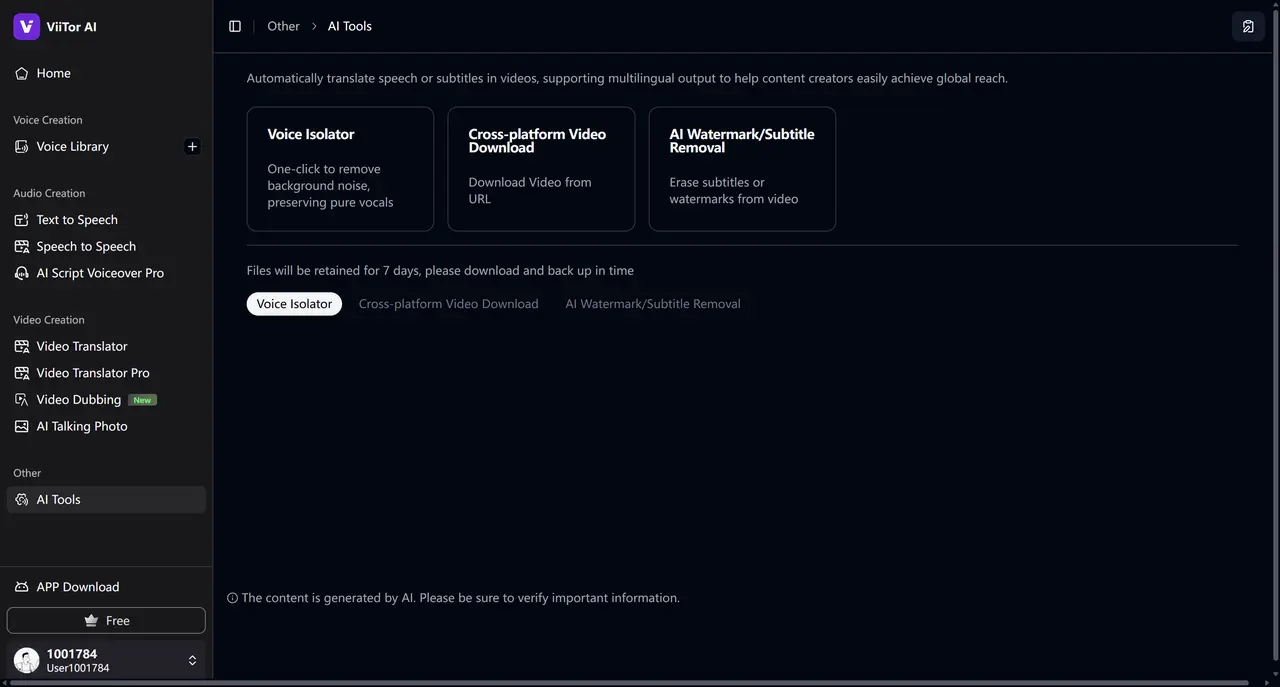
You can download the subtitles as an SRT or TXT file. Translate into Simplified Chinese.
"ViiTor is a fantastic video translator that you can use to translate videos into 19 languages. Select 'Cross-Platform Video Download'."
Enhance Translation Results Using Google
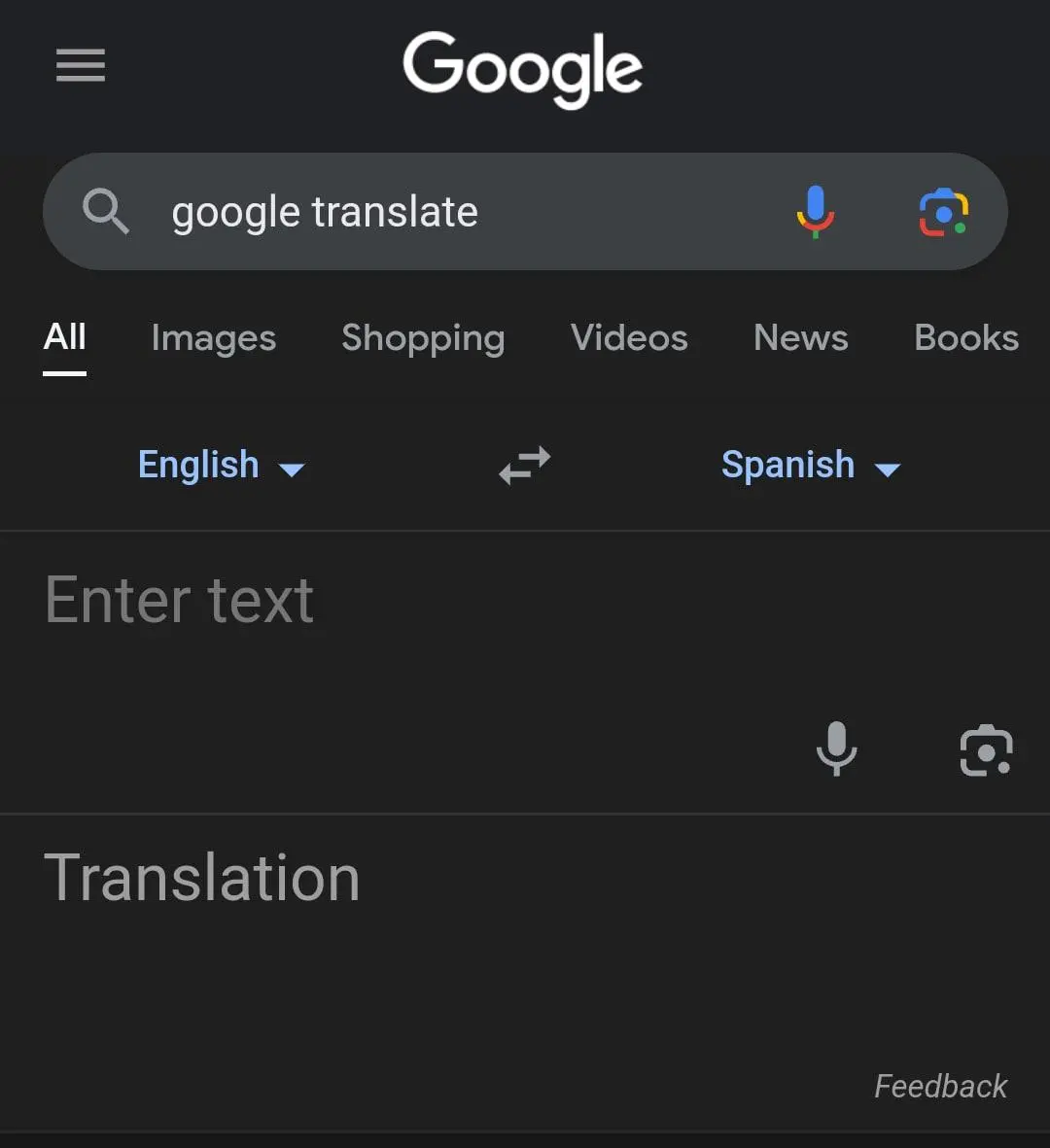
Finally, copy and paste the subtitles into Google Translate to get your desired translation.
That's it. This is how you successfully use Google to translate a video!
3. The Best Alternatives to Google Translate
If you find Google Translate unsatisfactory, here are some alternatives you can use. These options offer better results.
- ViiTor AI
We mentioned it earlier for adding subtitles. But you can also use it to translate videos, edit subtitles, create voiceovers, and more. If you want a range of features beyond simple subtitle translation to streamline your content creation workflow, it's a great choice.
- Microsoft Translator
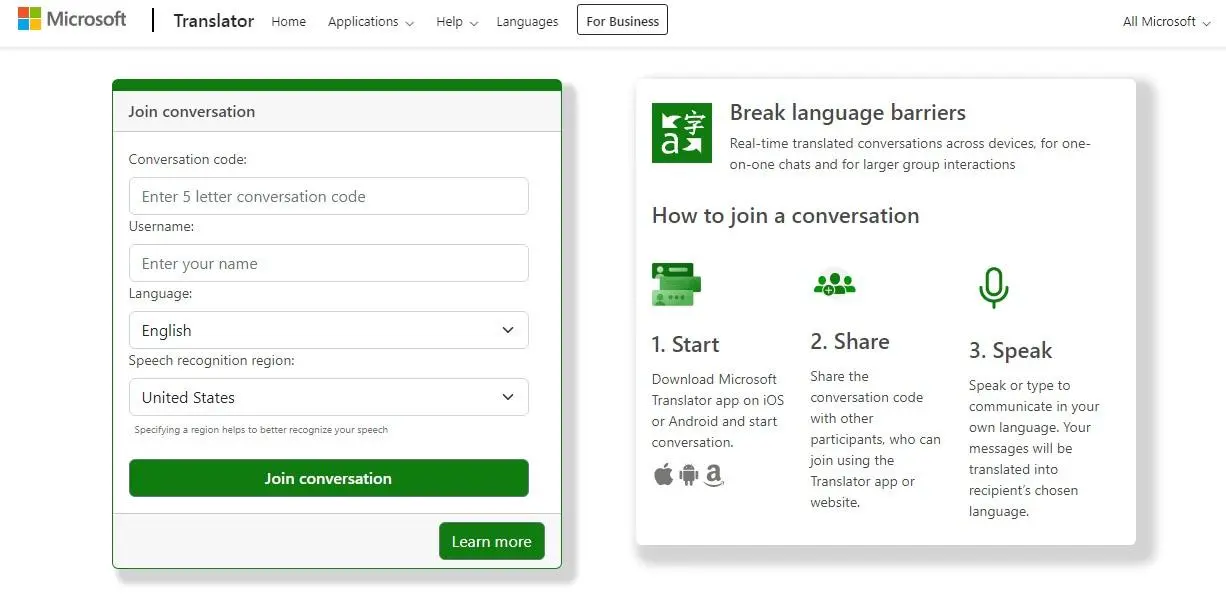
Microsoft Translator is another excellent option for video translation. It provides real-time translation across multiple devices and platforms. Another difference between Google and Microsoft Translator is that Microsoft Translator supports fewer languages—only 103, which is still more than many other translation services. A unique feature of Microsoft Translator is its compatibility with the MS Office suite. You can use it in MS Excel, OneNote, PowerPoint, and Outlook. Lastly, this tool is particularly helpful for understanding the context of sentences.
- SubtitleBee
SubtitleBee is also a platform for quickly translating and adding subtitles to online videos. It is reported to have an accuracy rate of up to 95%, making it one of the most accurate services on the market. Additionally, it allows you to customize subtitles, edit them, and add cool font styles, colors, and background details to create your unique work. Another standout feature is that with SubtitleBee, you can place subtitles anywhere on the screen—even at the top if you prefer. It also has a "Super Subtitles" feature that lets you add titles to your videos.
4. Frequently Asked Questions About Translating Video Audio with Google Translate
- Can I translate an entire video using Google Translate?
Absolutely, you can use Google Translate to translate videos of any length. First, you need to transcribe the entire audio, then translate that audio with the help of Google Translate. You can use services like Virbo to add these translated subtitles to the original video.
- Is Google Translate really suitable for video translation?
Google Translate cannot directly translate videos. You must integrate it with other services, such as YouTube, to obtain translations, using Google Translate as an auxiliary tool to translate the video.
- Can I have a video translated into my native language?
Yes, Google Translate supports nearly 133 languages globally. If your native language is widely spoken, it's highly likely that Google supports translation to and from it. Therefore, you can watch videos translated into your native language.
- Which languages does Google Translate support?
Google Translate currently supports about 133 languages globally. However, it periodically adds support for new languages. You can get translations for all popular languages, such as English, Chinese, Spanish, French, Japanese, Hindi, Italian, Russian, Korean, and more.
Conclusion
That's all there is to know about translating videos using Google Translate. Tools like Google Translate and Wondershare Virbo make our world more connected than ever before. They build bridges of communication, bringing people closer together. However, don't forget that if you use Google Translate to translate any copyrighted content, you need to obtain permission first. Translating copyrighted content without permission still constitutes infringement. Please use these tools responsibly. Start using Google to translate your videos now.